AlphaPasso: Hardware Deployment
This section will discuss changes made for the final version of the system, including hardware deployment using the ROBOTIS OMX-F robot arm.
Methodology
Porting Simulation Setup to the ROBOTIS OMX-F Arm
The first task was to port the simulation setup to the ROBOTIS OMX-F arm. Thankfully, all the necessary files (URDF, SRDF, launch files) are readily available at the company’s github repository. Given the significant difference in size and the fact that the OMX-F arm only has 5 DOF, compared to the Panda arm’s 7 DOF, I had to change the dimensions of the playing pieces to accommodate the reduced workspace. The tiles are now 1.5 cm x 1.5 cm x 1.0 cm, while the disks are 1.5 cm in diameter and 1.0 cm in height. Another modification I made was incorporating a camera sensor into the robot’s URDF so that the perception system now uses an onboard camera. This onboard camera configuration will make hardware deployment much easier, as the OMX-F arm provides a mounting bracket that is compatible with the low-cost Innomaker USB camera.
One interesting behavior I observed was that the motion planner would sometimes generate trajectories that caused the robot to swing its arm wildly. Fortunately, this behavior was first caught in simulation. Additionally, motion planning took longer than it did previously. To address these two issues, I reduced the joint position limits defined in the URDF (particularly for joints 2, 3, and 4). This appeared to help by limiting the inverse kinematics search space.
Initially, I observed that the robot struggled to reliably grasp and secure the playing pieces without slipping. In the Results section below, GIF #1 shows the robot completing one turn each for the human and AI players. As can be seen, the robot occasionally dropped the tile pieces. Furthermore, the simulation was running at only a 0.16-0.18 real-time factor, which was quite slow. After further investigation, I was able to bring the simulation up to 1.0 (100%) real-time factor by changing the way the playing pieces were spawned in the simulation. Additionally, I experimented with different values for the Open Dynamics Engine (ODE) friction and contact parameters, which helped make the grasping in the simulation more reliable. Overall, the simulation demonstrates the feasibility of the pick-and-place motions using the new setup.
Hardware Deployment
Once I verified in simulation that the OMX-F arm was capable of completing the pick-and-place motions, I purchased the robot kit directly from ROBOTIS. Prior to assembling the kit, I tested all the DYNAMIXEL motors using their DYNAMIXEL Wizard 2.0 app. Although I assumed the motors were tested prior to shipping, I wanted to ensure I was starting with a fully working system. Verifying that the motors worked as expected helped narrow down any hardware issues encountered down the line. Once assembled, bringing up the robot was conveniently just a matter of running the launch.py file provided in the same github repository. Robot control is achieved using the ROS 2 Control framework, specifically utilizing position command interface and position+velocity state interfaces.
During startup, the robot moves to its specified initial pose (0 radians for all joint values). However, I noticed sagging specifically in joints 2 and 3 due to load and motor gear backlash. This sagging causes the actual robot pose to differ from the simulation. To resolve this discrepancy, I reprogrammed the homing offsets for these two motors using the DYNAMIXEL Wizard 2.0 app. The offset values were determined by roughly estimating the error in initial pose. Ideally, this calibration should be performed using external sensing, such as a motion capture system.
Furthermore, during startup, I noticed errors related to FastBulkRead failures appearing on the terminal. My initial suspicion was that the hardware was unable to keep up with the specified control rate, which was defaulted to 100 Hz. This requires further investigation within the dynamixel_hardware_interface source code. As a temporary fix, I incrementally decreased the controller_manager update_rate specified in the ROS 2 control YAML file until the error went away, ultimately settling on a 30 Hz update rate. I then manually re-tuned the motor PID values (specified under ros2_control tag in URDF) to compensate for this modification.
I am using an Innomaker 1080p USB camera for the perception system. After experimenting with different camera settings, I settled on a frame rate of 30 Hz and a resolution of 1280 × 960. Additionally, to achieve robust ArUco marker detection, I tested various camera brightness and contrast settings. The usb_cam package is used to stream the camera data, and the camera’s intrinsic parameters were obtained through a chessboard calibration process using the camera_calibration package.
Lastly, the playing pieces are 3D-printed, and the printed ArUco markers are pasted onto them using paper glue.
Other Refinements
The previous iteration of the system required the human player to input their moves using a ROS 2 topic (see GIF #2 below). While this interface was convenient for simulation purposes, it felt cumbersome when interacting with the physical robot. The ArUco marker detection partially resolves this issue by inferring which pieces have been moved. However, we previously lacked a mechanism to update the collision object poses associated with the playing pieces moved by the human. Thus, in the latest iteration, I introduced a collision_object_mover node that is responsible for updating the corresponding collision objects in the planning scene. This step is necessary to prevent the robot from stacking its pieces in the wrong locations. The node subscribes to the moved_piece_info topic broadcasted by the board_state_evaluator node and updates the planning scene using MoveIt PlanningSceneInterface class. The result is a much more intuitive interface that feels like playing against another human i.e. the robot only moves the AI player’s pieces.
Overall, the robot arm manages to perform the pick-and-place motion quite well. However, the robot occasionally topples the other pieces during stacking. This issue becomes especially apparent when the robot moves both the AI and human playing pieces, as pose errors compound over time. One reliable way to mitigate this issue would be to use the perception system for closed-loop feedback. While feasible, this would require additional work in extrinsic camera calibration to better estimate the poses of the playing pieces, as well as changes to how the planning scene is constructed and updated. A more immediate remedy was to introduce an additional “move-to” stage that positions the robot directly above the target object (disk or tile) before lowering and placing the disk piece. This additional stage helps produce a more graceful and reliable placement motion.
Results
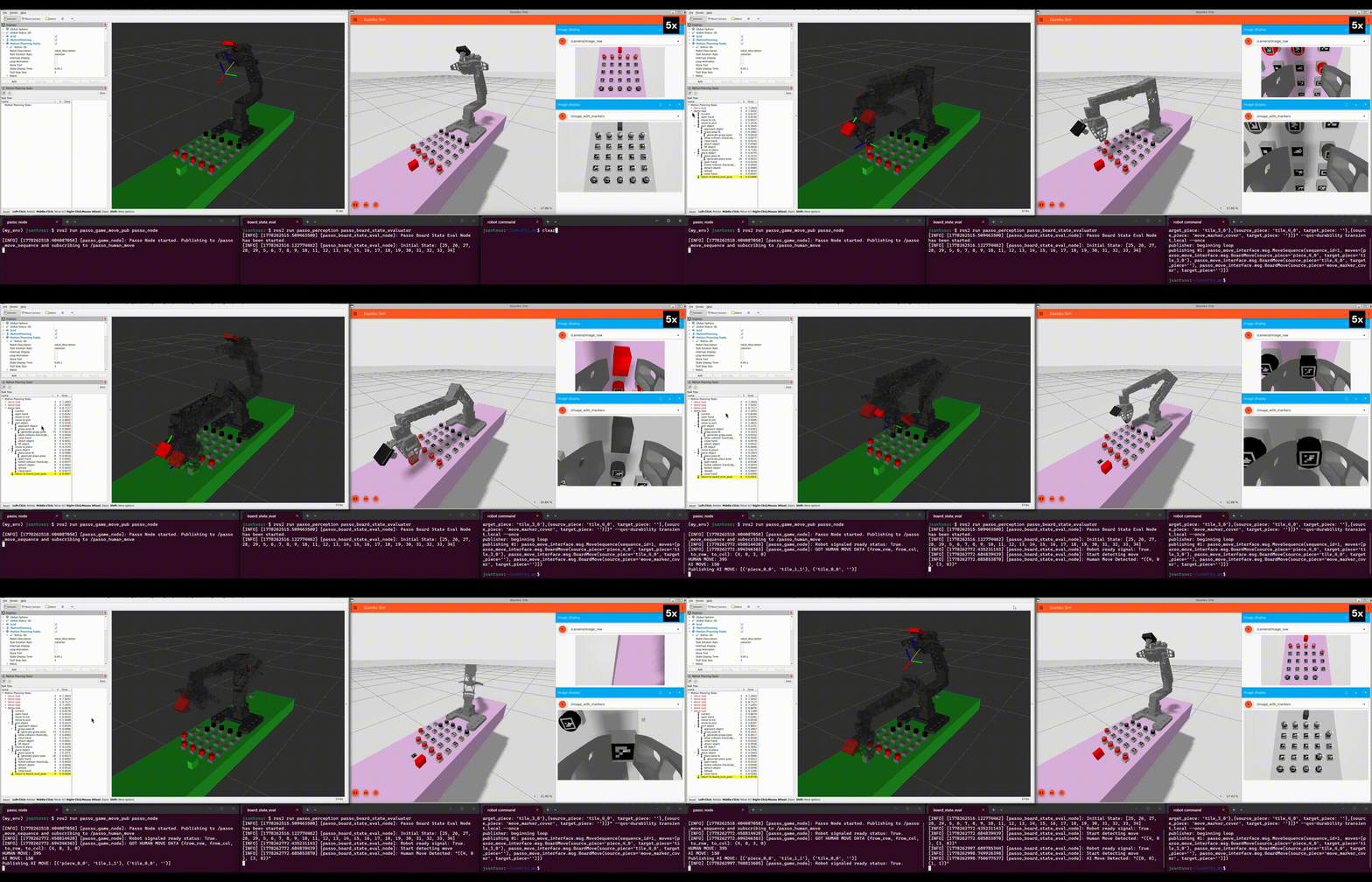
As observed in GIF #1, the simulated robot occasionally drops the playing pieces. Additionally, the simulation was initially running at a 0.16-0.18 real-time factor. After further investigation, I discovered that the simulation rate could be significantly improved by changing how the playing pieces were spawned (as seen in GIF #2 below). Furthermore, the robot gripper was able to secure pieces more reliably after the contact and friction parameters were updated.
Following these improvements to the simulation rate and grasping reliability, I was able to capture the simulation results for a full gameplay session (also shown in GIF #2), which lasted about 20 minutes in real time. The simulation successfully demonstrates that a collision-free pick-and-place motion is highly feasible.
The GIF above shows a full gameplay session where the robot moves the human player pieces as well. This setup relies on a direct transfer from the previous iteration’s simulation environment, where the human must provide move inputs manually through a ROS 2 topic. Because of this manual overhead gameplay sessions run significantly slower. Similar to what we observed in simulation, the full session shown here lasted approximately 21 minutes.
The GIF above showcases a full gameplay session using the improved user interface, where the human player can directly move their physical pieces. This change greatly accelerated the pace of the game, with the entire session finishing in about 7.5 minutes. In this specific match, the AI player won.
Another gameplay session is shown here from a frontal perspective, mirroring the standard view when playing against a human opponent. The newly introduced “move-to a position directly above the target placement” stage can be clearly observed in this sequence. This modification significantly improves the robustness of disk placement. In this final session, I was able to win the game.
Future Work
Overall, I am very pleased with how the project turned out. However, the system can still benefit from further improvements. As previously mentioned, using the perception system for closed-loop feedback would be highly beneficial. Currently, the system functions reliably because the playing pieces are set up as accurately as possible, strictly adhering to the configurations specified in the MoveIt planning scene. This is why the desired piece locations are explicitly printed on the white board layout used for this project. If we can utilize the perception system to dynamically infer the pose information of the playing pieces, the impact of physical placement inaccuracies will be minimized, though a well-calibrated robot arm will still be required.
This project should be easily extensible to accommodate other abstract strategy games. However, depending on the design of the new playing pieces, that transition may require a different sensing methodology rather than relying solely on ArUco markers. Furthermore, eliminating the need for ArUco markers entirely would be a welcome improvement, as it would allow the game to retain its original aesthetic. A promising alternative for this would be to integrate an RGB-D (depth) camera instead.
Lastly, I think it would be compelling to explore reinforcement learning-based methodologies to achieve the manipulation tasks, as well as investigating how the robot can autonomously recover from physical manipulation failures.